The three progams/apps I'll be talking about are Medibang, Artrage, and Autodesk Sketchbook! I have tried more but I'm too lazy to list them down, I'll make a part 2 with more programs if people want it!
1. Artrage
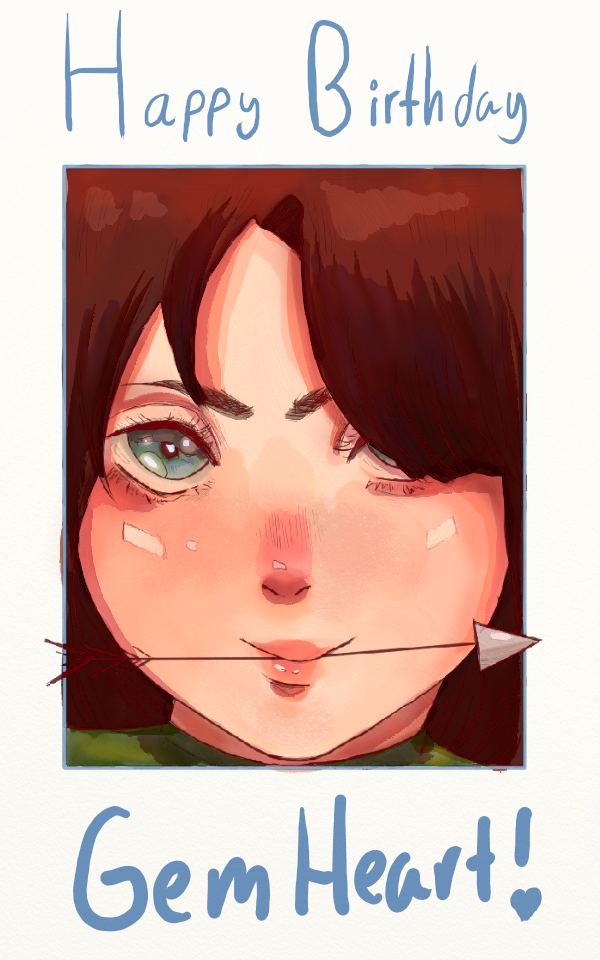
Artrage was the first drawing app I've ever used. The android version is $4.99, however I got it free since it came with my tablet. Some pros to Artrage is how textured it is, it's a good app if you want to make digital art with the feel of traditional art. The app offers brushes that are very realistic and work almost exactly like their real life counterparts. For example, the watercolor brush bleeds and blends like a real one would.
Despite this, Artrage does have cons. It has a very limited supply of brushes, with only 15 tools available. It is also lacks fundamental features, such as being able to rotate your canvas while drawing. The transformation tool is decent, however it is very hard to find if you are new to the app. It took me literal months to figure out where it was. Artrage also doesn't have a text tool, so I had to handwrite the words below.
Overall, I would rate it a 5/10.
2. Medibang
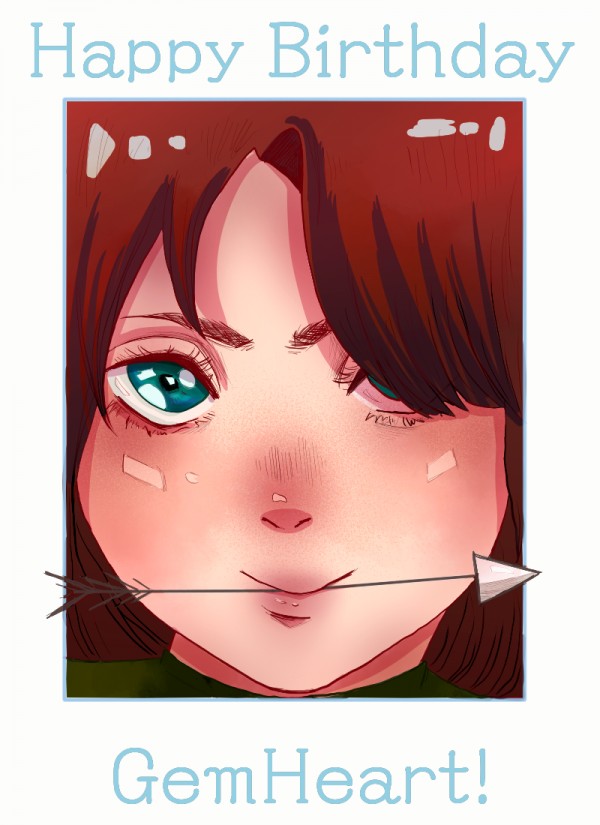
Medibang was the second drawing app/program I've ever used. It is free, all you have to do to get the full version of it is make an account.
Medibang is pretty easy to use, even as a beginner I had little trouble figuring out how to use it. It feels like a very full drawing app, coming with a large variety of brushes (you can even make your own), along with many tools and features. It has everything you would need to get started with digital art, and the fact that it is entirely free makes it even better.
Despite all this, one major flaw is that it does not autosave. You have to manually save your drawing everytime you exit the app unless you want your work deleted. I've had many of my drawings poofed because I forgot to save.
Overall, a 9/10.
3. Autodesk Sketchbook
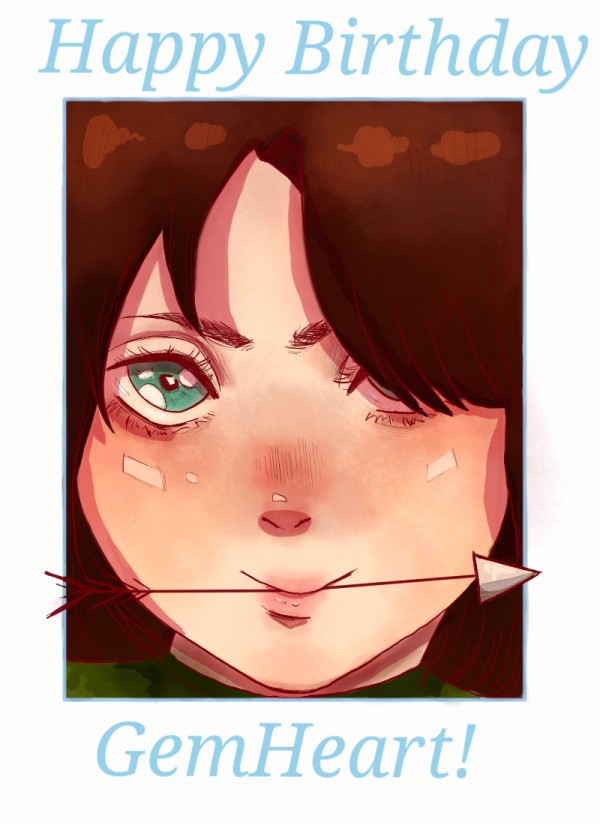
Autodesk Sketchbook is amazing for all types of styles, from realism to anime. It offers many different brushes, with 204 brushes in total. It has easy to use selection, symmetry, and line stabalizer tools. It even has a built in recorder that automatically speeds up your drawing, so if you like making speedpaints it's very easy to do with Autodesk.
Now, onto the cons. Two things that have really stood out to me are the bucket tool and lack of clipping tool. The bucket tool doesn't really work the way I expect most do, instead of coloring inside a certain area it covers the entire drawing instead. This can be really frustrating because you have to manually color everything in, which can take a while. It also doesn't have a clipping tool, which can be frustrating if your like me and have trouble staying within a certain area of your drawing. Again, without this tool coloring can become very time consuming and frustrating.
Overall, 8/10.
Do you guys use any of these? Which one's your favorite?
